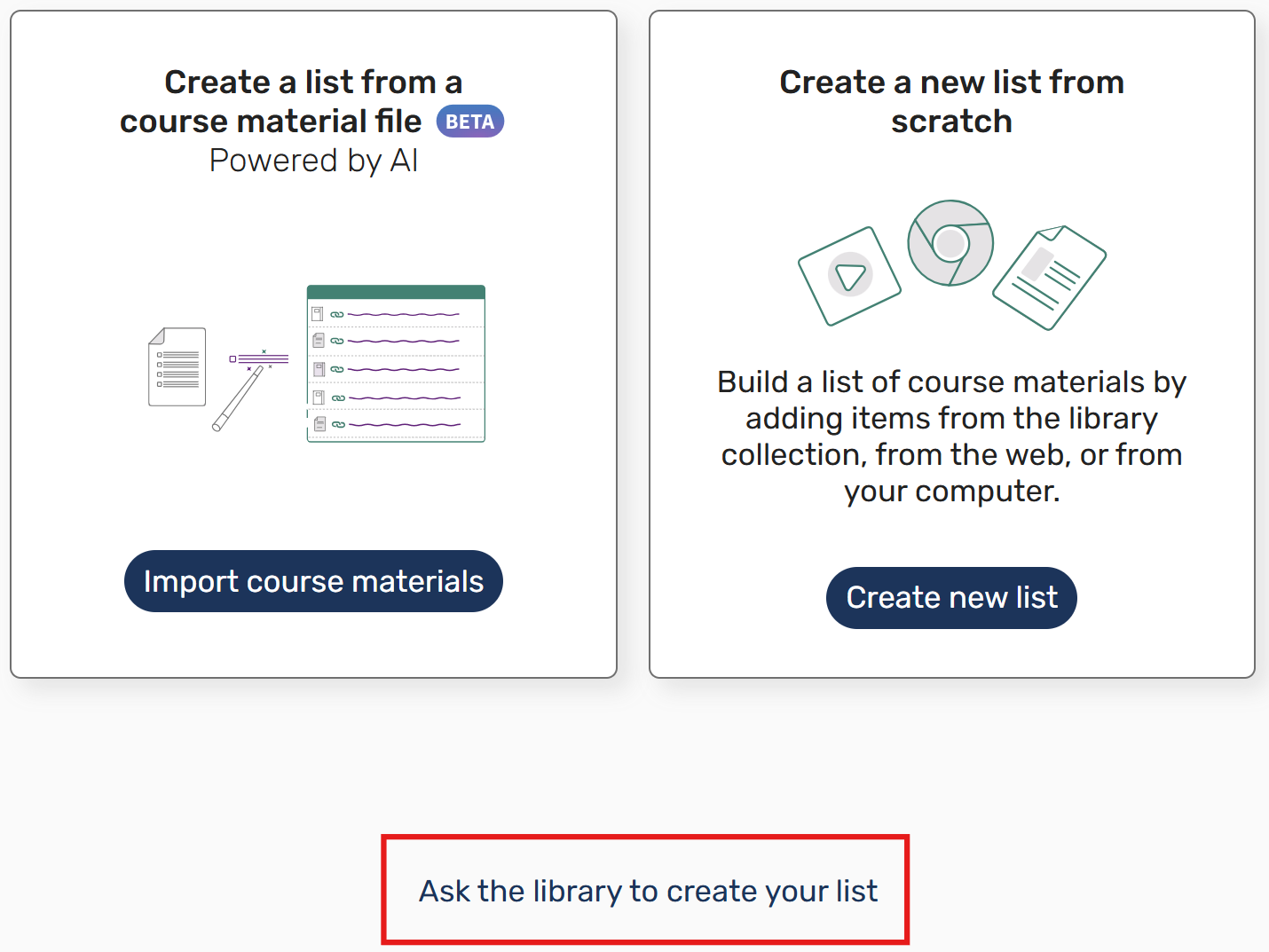
Library staff are available to create your Leganto reading list for you, including adding your resources and any edits throughout the semester.
All we require from you, is:
 If you have already created a list, or a previous one has been rolled over for you, you will not need to create a new one. Go straight to Editing an existing list or Add resources to a list.
Login to Blackboard
|
Request a list
|
Upload your document
Resources in your list can include library and non-library materials (e.g. webpages), please add as much detail as possible about each citation including ISBN's, DOIs or URLs. A suggested template is available to download - Leganto Reading List Template |
The library will process your request
If you want to link your reading list to multiple courses, please contact the library directly at readinglists@nd.edu.au |
Copyright © 2025 The University of Notre Dame Australia | CRICOS Provider Code: 01032F | TEQSA PRV12170 | RTO Code 0064